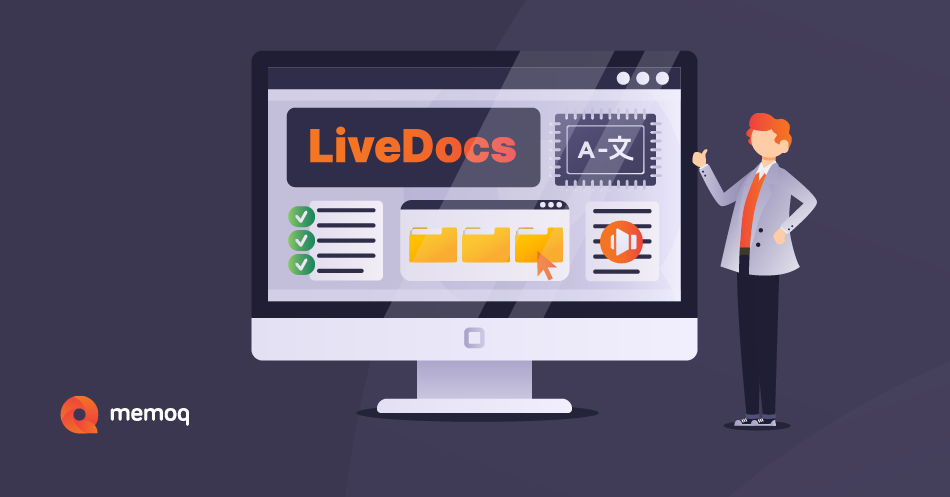












Streamline Your Translation and Localization Processes with memoQ
For enterprises
Manage and automate your localization processes on a global scale with the memoQ translation management system. Enterprises appreciate tailor-made memoQ features such as flexible workflow management, easy project tracking, automated quality checks, advanced reports, customizability, connectivity, and much more.


For language service providers
Language service providers handle a large number and variety of files and projects daily. memoQ is a stable technology providing a collaborative translation environment that facilitates and speeds up translation processes with advanced features.
For translators
Whether you translate or review translations, memoQ translator pro is specifically designed by translators for translators to effectively support your day-to-day tasks.

Diverse Industry Needs

Software and game localization
Unleash your game’s full potential using the memoQ translation management system. Enter new foreign markets with localized content to reach a broader audience and increase your revenue.
Life science localization
Life science localization requires just as much attention as the services delivered by the industry itself. When lives are at stake, there is no room for error.
Audiovisual/Multimedia localization
The demand for audiovisual (AV) content is soaring. Translation technology helps AV translators increase productivity, improve translation quality, and meet tight deadlines.Join the Community of Successful Companies and Professionals Using memoQ
Transform Your Business Today with memoQ